
Your operation and sites
An operation is your sugaring business. One person owns it. That is you.
Name it#
Open Manage, then Operation. Give it the name people know, such as your business name or brand name. The people you invite see it on their phone and in their text. Until you name it, nobody can be invited.
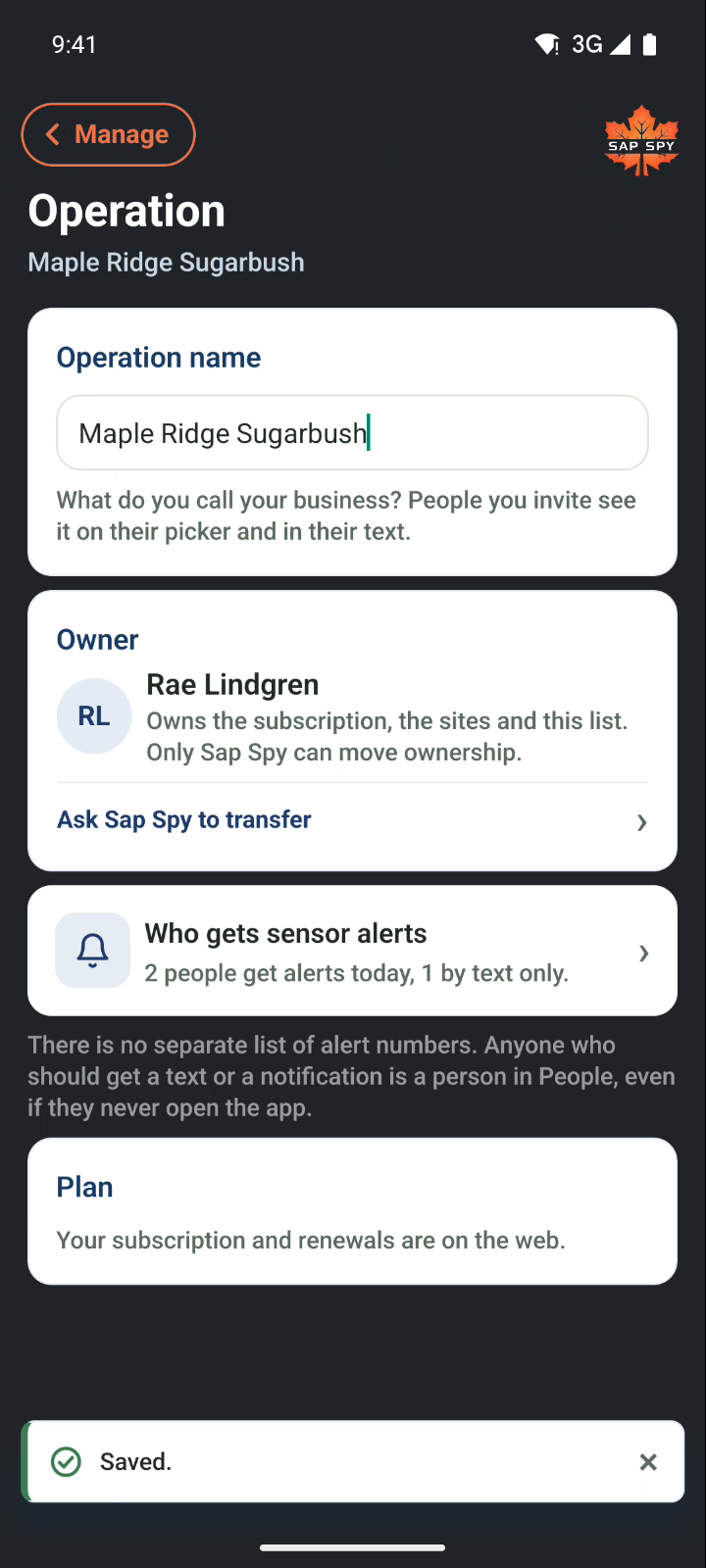
The rest of the page:
- Owner: you. Only Sap Spy can move ownership; tap Ask Sap Spy to transfer if the operation changes hands.
- Who gets sensor alerts: how many people get a text or a notification today. Tap it to see who.
- Plan: your subscription and renewals are on the web.
Who gets alerts#
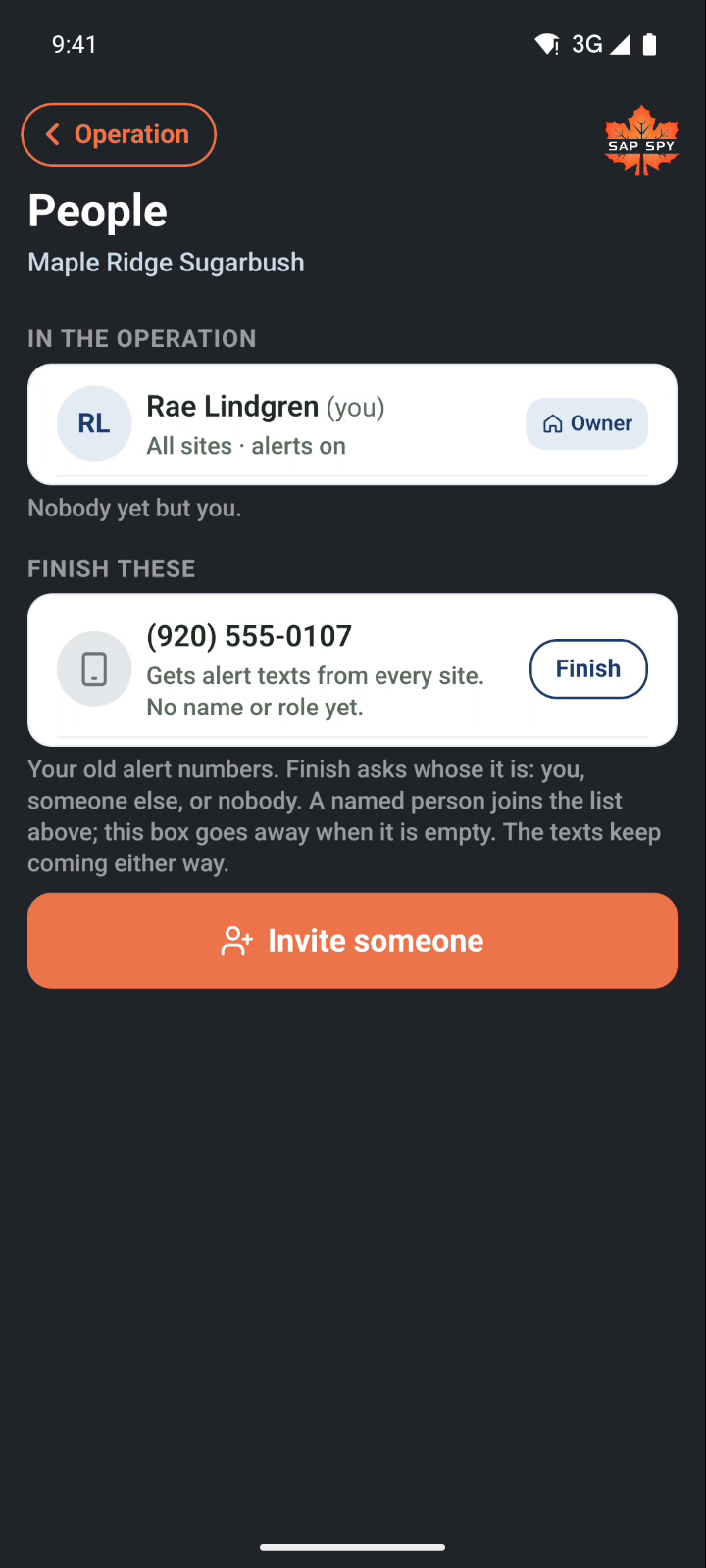
Sensor alerts go to people, not to a list of numbers. Everyone who should get a text is a person in People, even if they never open the app.
Finish these#
Had alert numbers before Manage? They are waiting under Finish these. Tap Finish on one and say whose number it is.
- It is you: the number joins your own account.
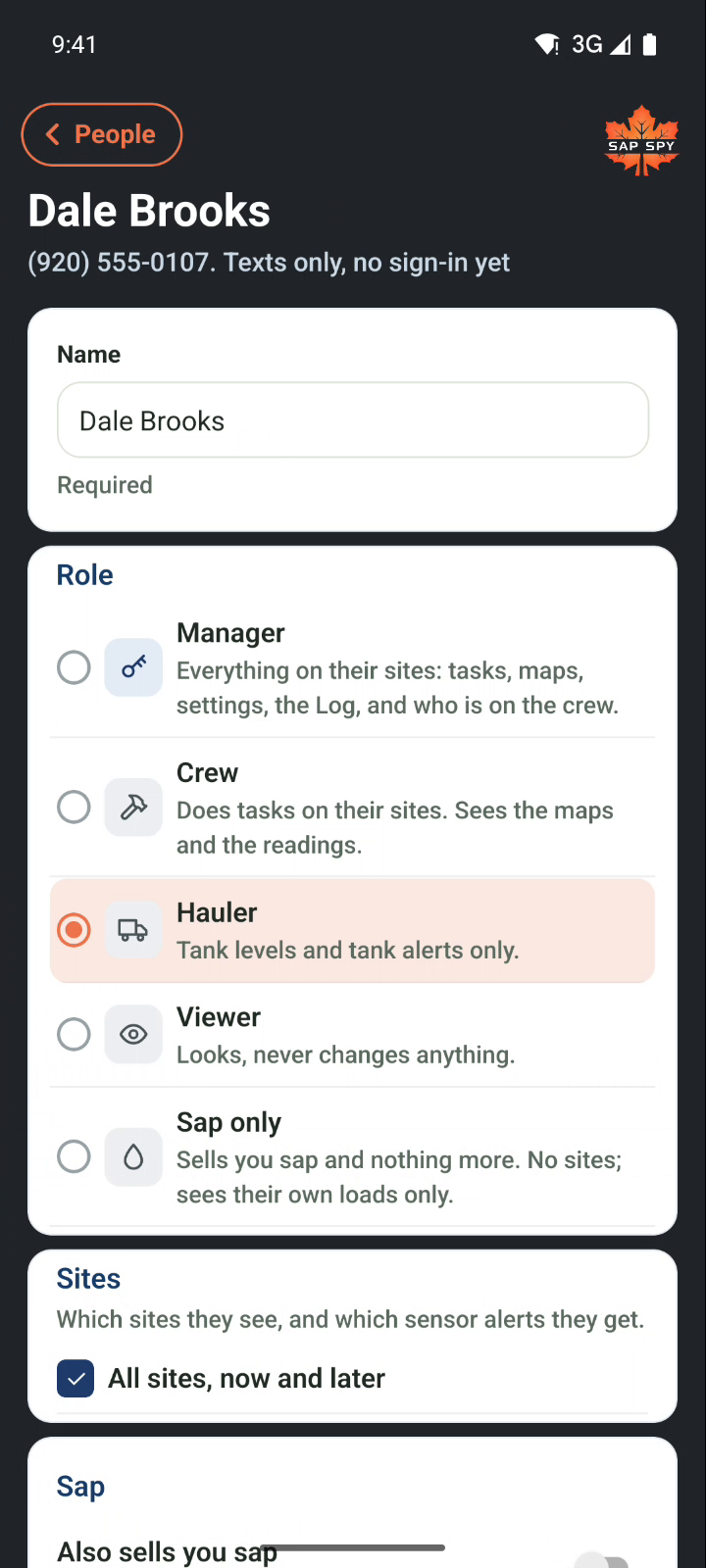
- Someone else: give them a name and a role, and they become a person on the operation.
- Remove it: the texts stop.
They keep getting texts either way, until you remove them.
Sites#
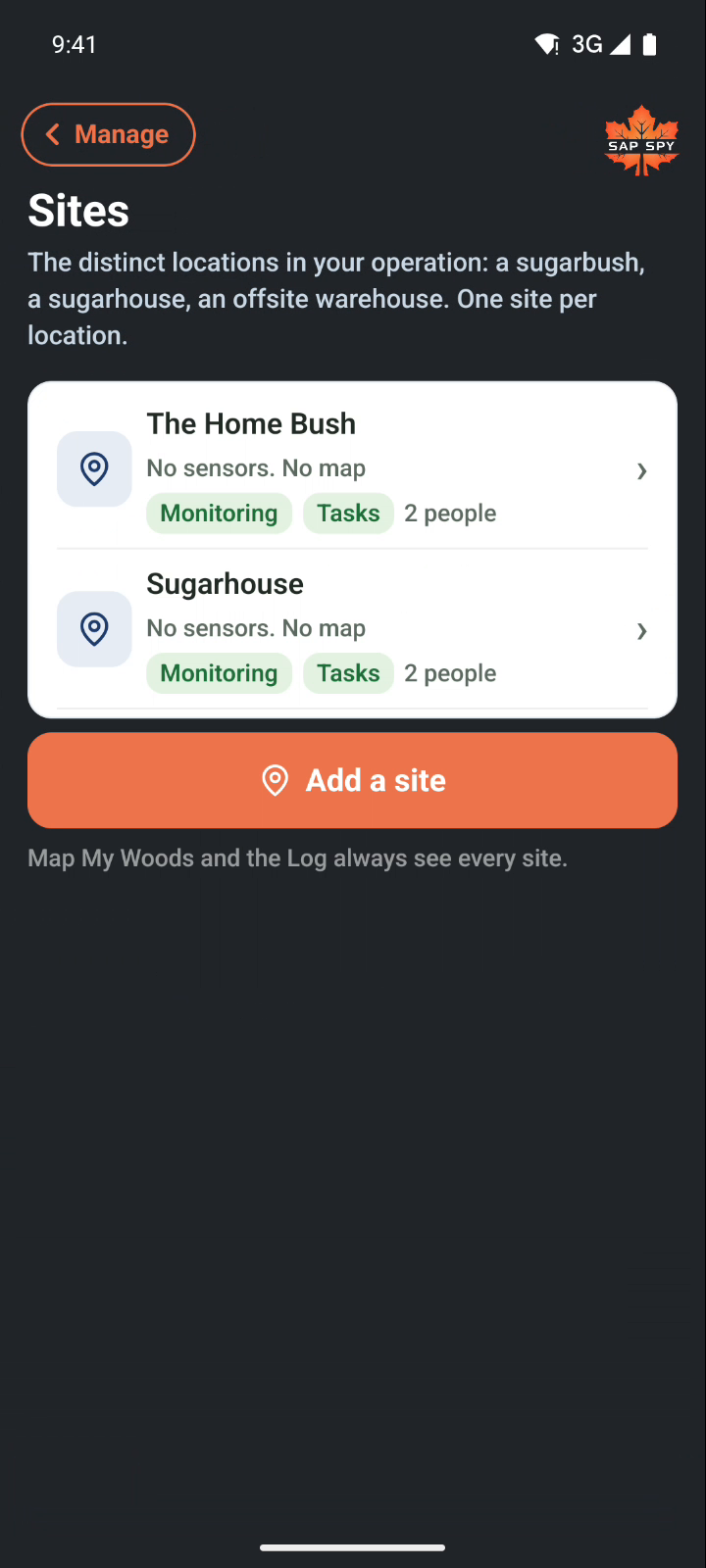
A site is each distinct location in your business. Each sugarbush, a sugarhouse, an offsite warehouse, each becomes its own site. Add one for each place sensors or work will be.
Open Manage, then Sites, then Add a site. Type its name and save. Each row shows its sensors, its map, and where it shows.
A site's page#
Tap a site to open it.
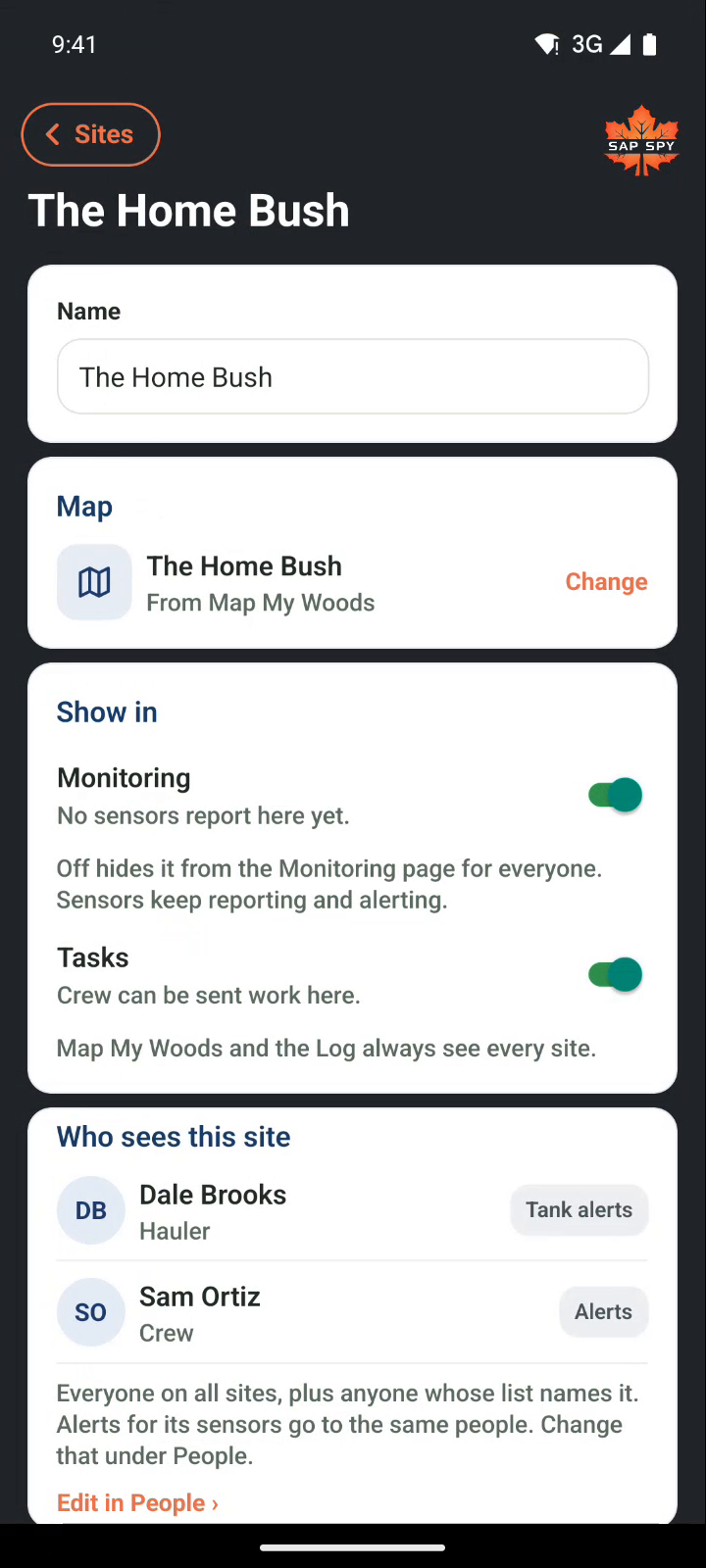
- Name.
- Map: any map from Map My Woods. Tap Change to pick one you have drawn, or draw a new one for this site. Sugarbush Monitoring and Tasks use the same map for that site.
- Show in Monitoring: on means the site shows on the Monitoring page for everyone. Off hides it there. Sensors keep reporting and alerting either way.
- Show in Tasks: on means crew can be assigned work here. Off takes it out of their list. Map My Woods and the Log always see every site.
- Who sees this site: everyone whose site list names it, and what each of them gets. Change that under People.
Delete a site is at the bottom of the page. You type the site's name to confirm. Its sensors are not deleted; claim them to another site.
Claiming sensors#
New sensors are claimed to a site from Sugarbush Monitoring. If the site does not exist yet, make it here first, then go back and claim.
Have a question this doesn't answer? Email info@sapspy.com or call 920-809-4811. We're producers too.