
Your crew: people, handing out work, following along
Tasks is built for the person who hands out the work and the people who do it.
People#
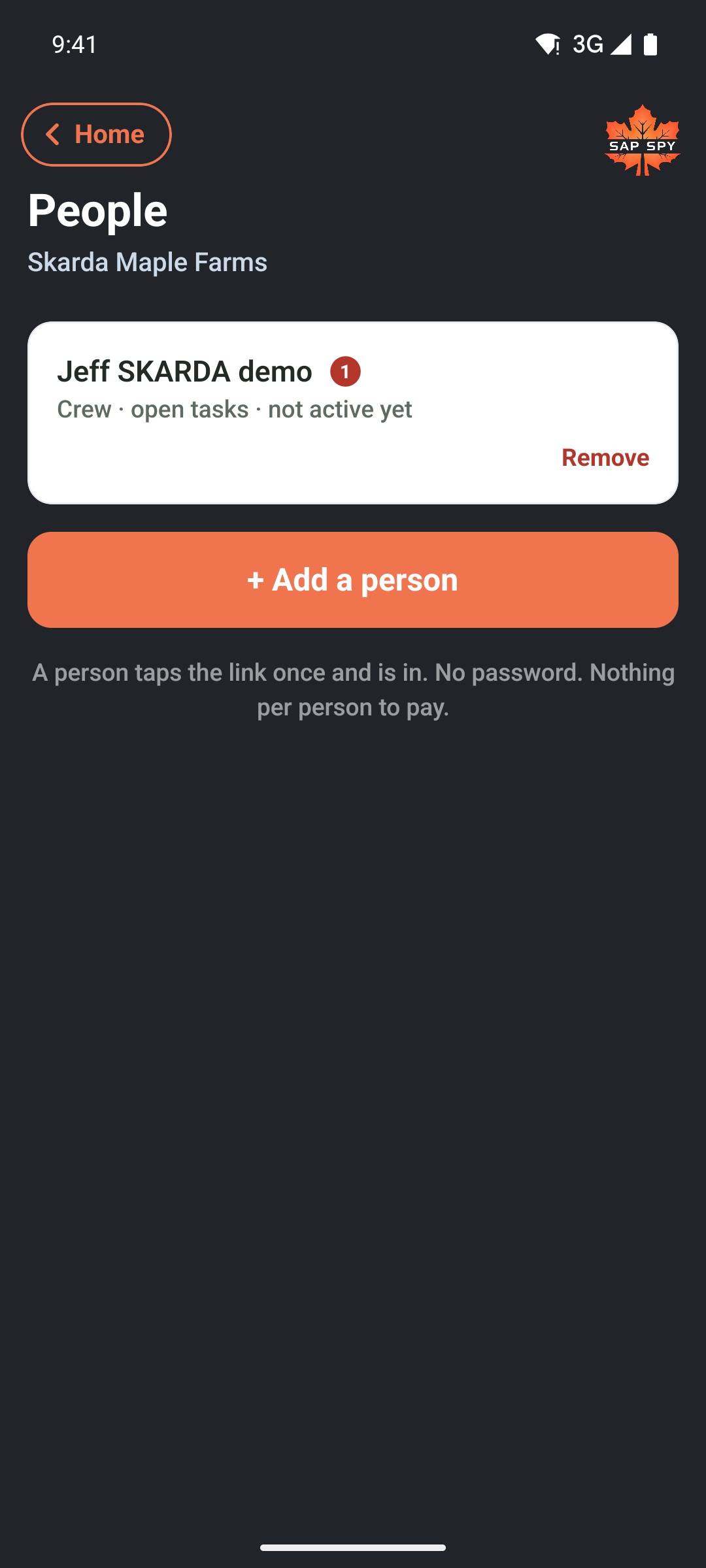
On the Tasks screen, tap People (managers only). Add a name and a phone number, pick Crew or Manager, and the app sends them a link by text. The link signs them into the Sap Spy app on their phone, no account to make, no password. The app then asks them to allow notifications: say yes, or a task handed to them reaches their phone only when they next open the app. If someone already has a Sap Spy account, add them by that email so their crew work and their own operation share one sign-in. A crew hand sees the tasks on your sites and their own hours; a manager sees everyone's and can assign.
Handing out work#
- Pick a name under Who when you make the task, and they are notified.
- Remove on People takes a person off the crew at once; whatever was still open on them goes back to Unassigned.
- A task with nobody on it shows under Unassigned for a manager, with Give to..., and under Up for grabs for the crew, with Claim.
- On a task's page, Reassign moves it to someone else.
Following along#
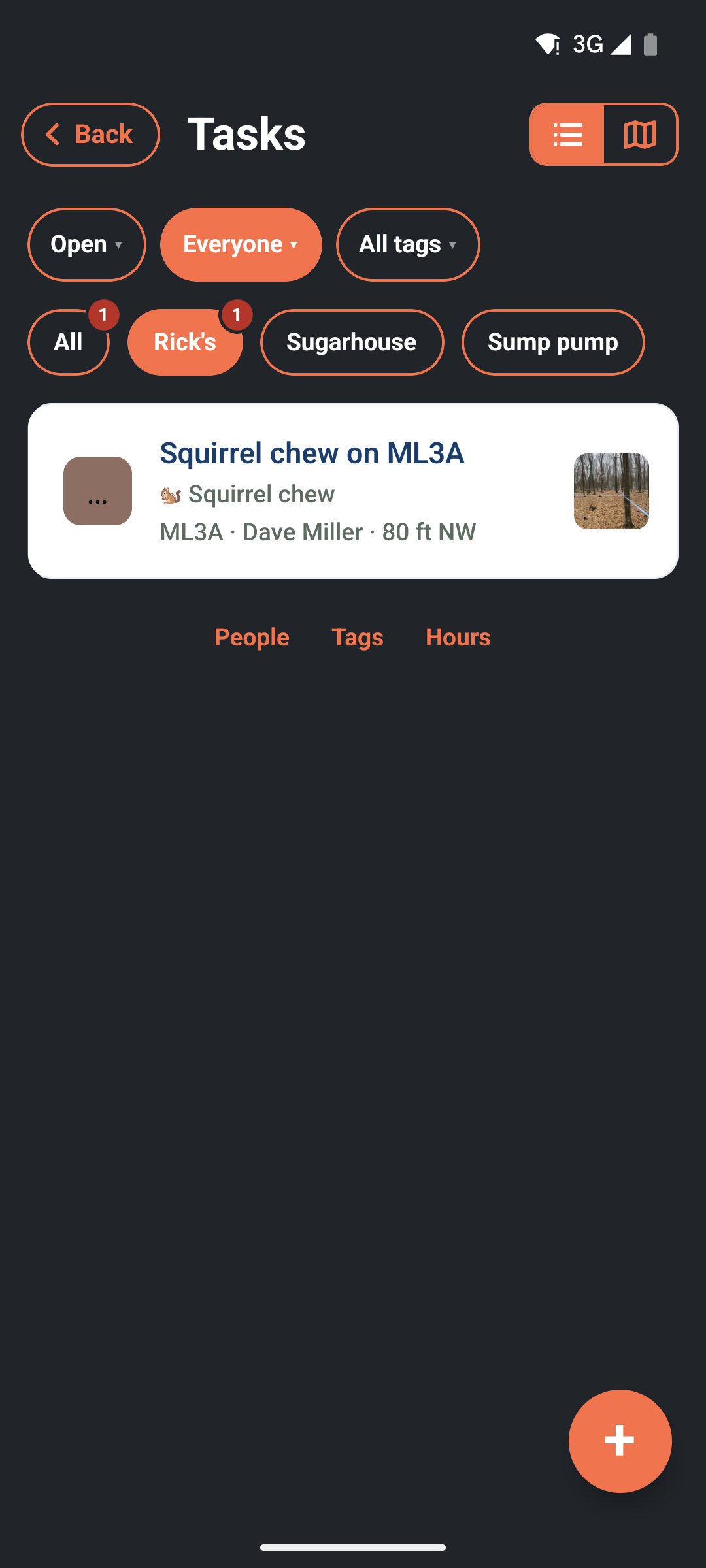
- Who: Everyone shows the whole crew's open work, by site.
- Done with Done within shows what got finished in the last day, week, month or year, or between two dates you pick. Who there means who finished it.
- A task marked Can't do rises to the top with the reason, so you can send parts or help.
- The map shows every open task as an orange ribbon or pin; tap one to open it.
Tags#
Tags (managers) is where you rename or hide the built-in tags and add your own. A tag is what you see in the list and on the map. If a tag everybody would use is missing, Suggest a built-in tag sends it to us.
On a computer#
Everything here except People and Tags is on sapspyapp.com/tasks as well: hand out the work from the desk in the morning, and watch the Done list fill up.
Have a question this doesn't answer? Email info@sapspy.com or call 920-809-4811. We're producers too.