
Switching operations
Belong to more than one operation? One sign-in covers all of them. Your own, and any you were added to.
The pill#
The pill under the title on the home screen says whose woods you are in. Tap it to switch.
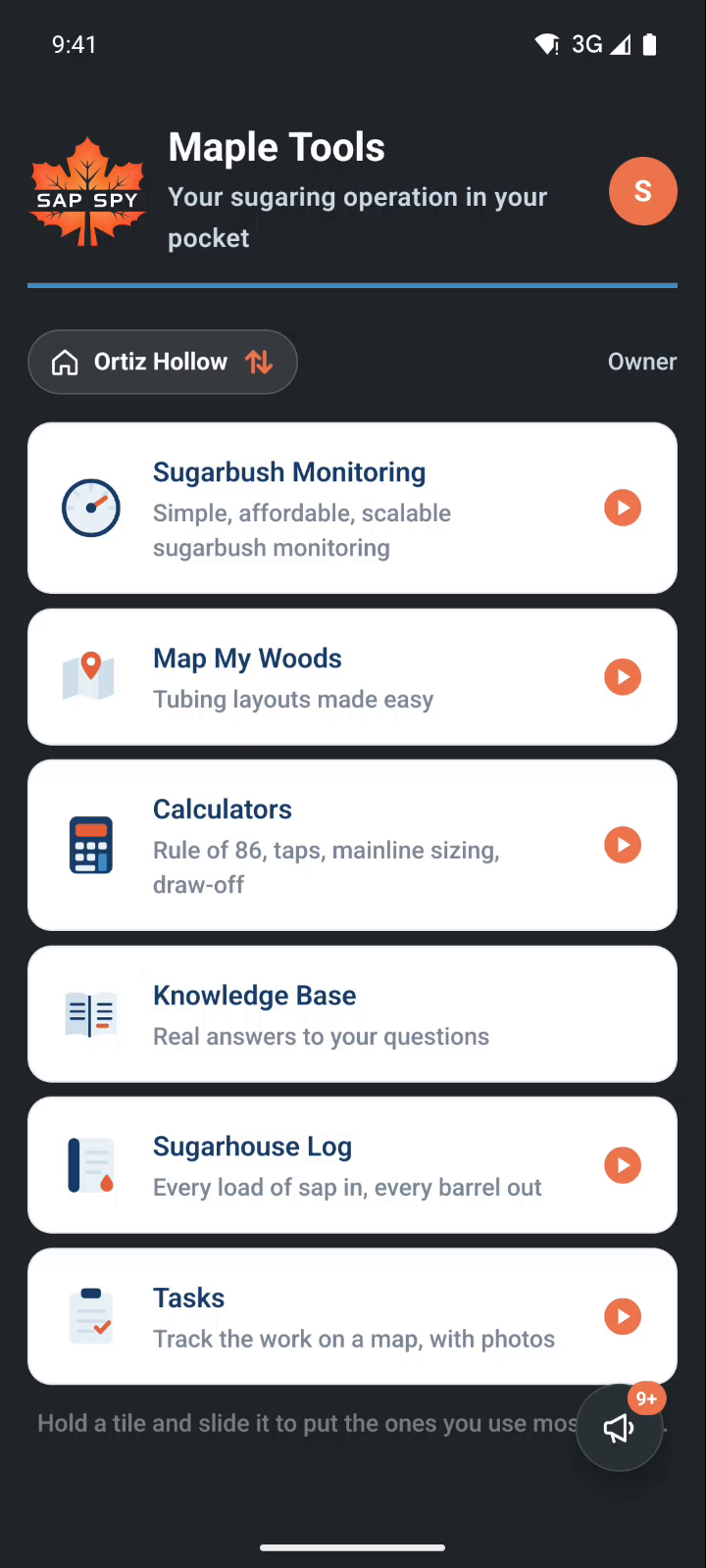
The picker#
Your own operation says Yours, with its sites and sensors. One you were added to says who owns it, and your role.
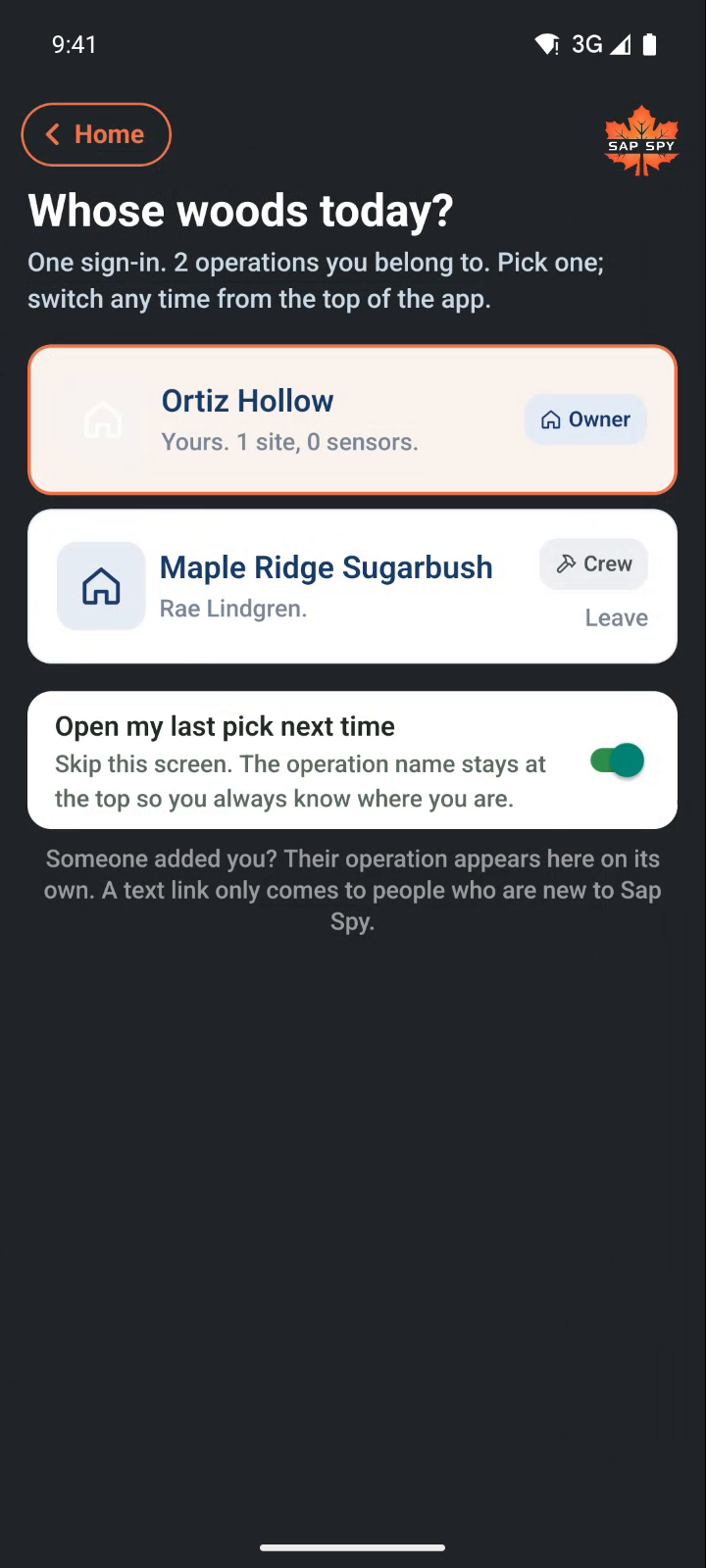
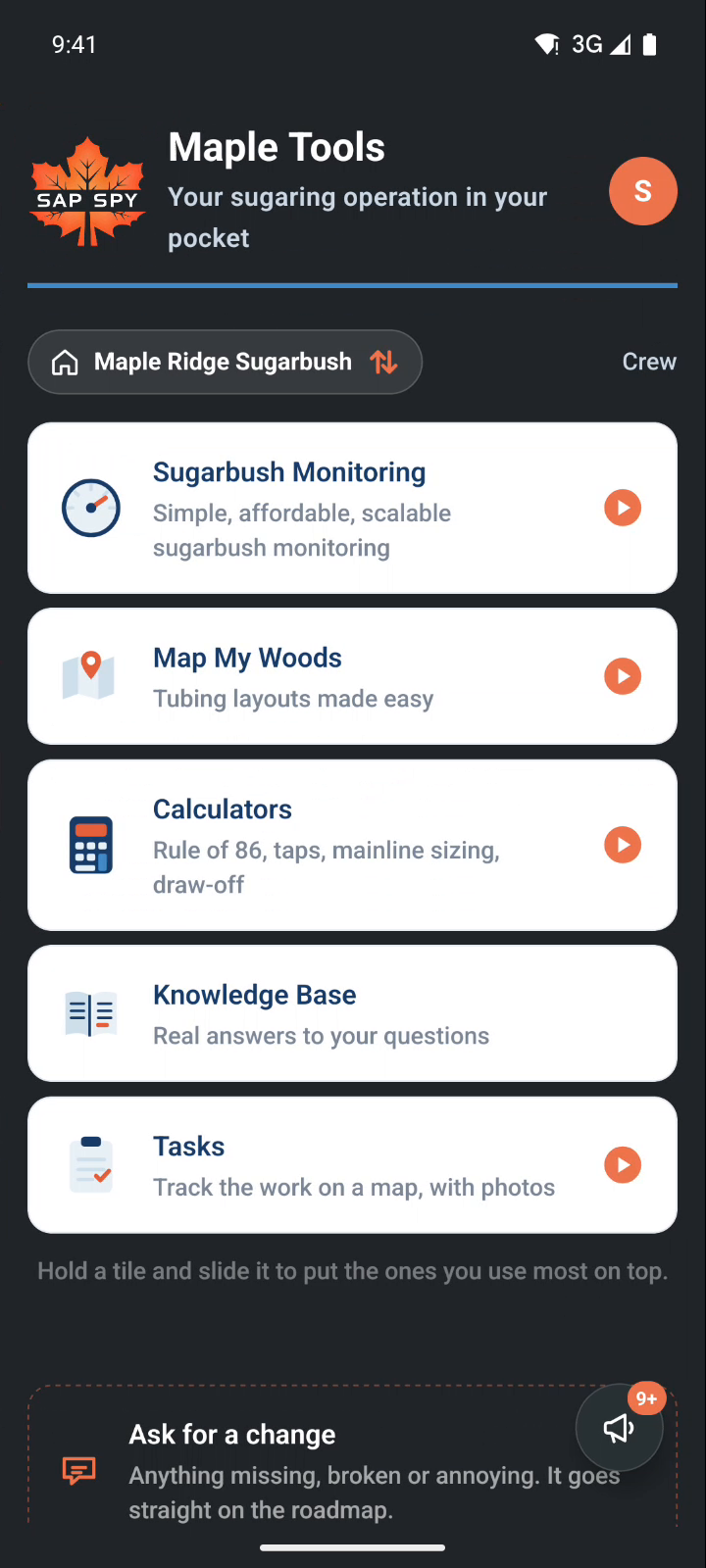
Pick one and the home screen changes to it: its sites, its maps, its tasks, its readings. Everything you open from there belongs to that operation until you switch back.
- Open my last pick next time: the app opens on the operation you were last in.
- Leave: takes you off an operation you were added to. The owner can add you again.
Your account#
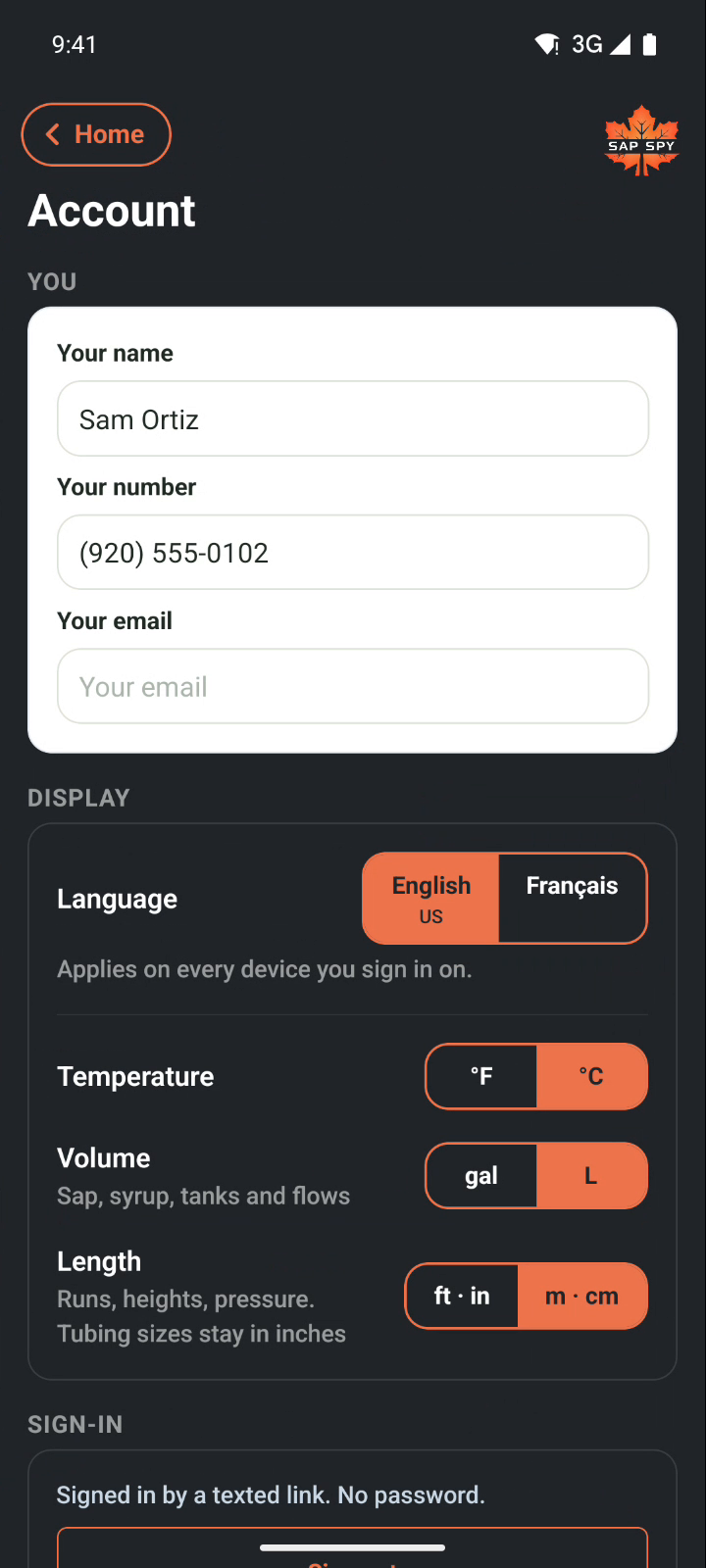
Tap your initial at the top right to open Account: your name, your number and email, your language and units. These are yours on every operation.
Was this helpful?
Have a question this doesn't answer? Email info@sapspy.com or call 920-809-4811. We're producers too.