
Inviting other people
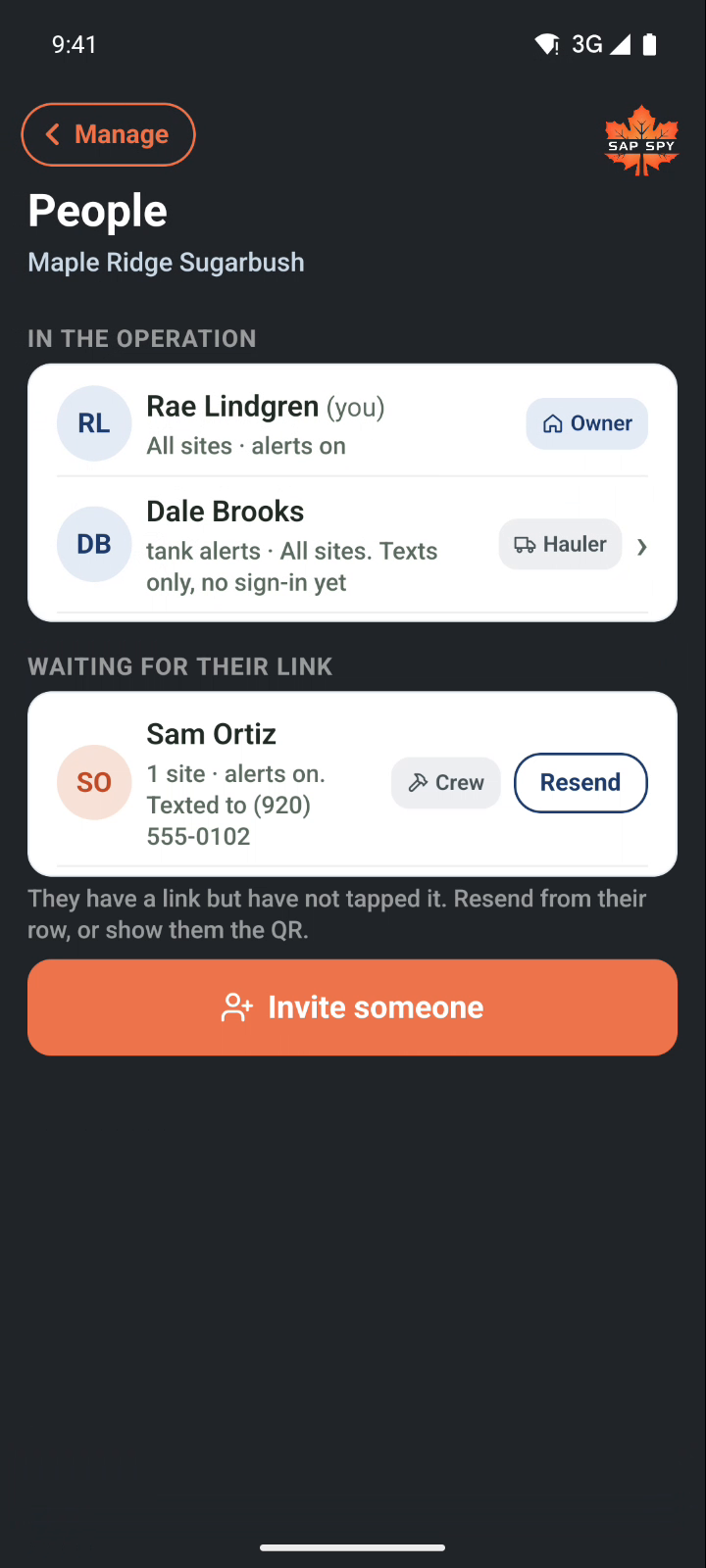
People is everyone on your operation, with their role beside their name. Invite adds someone. Before the first invite, give your operation its name on the Operation page.
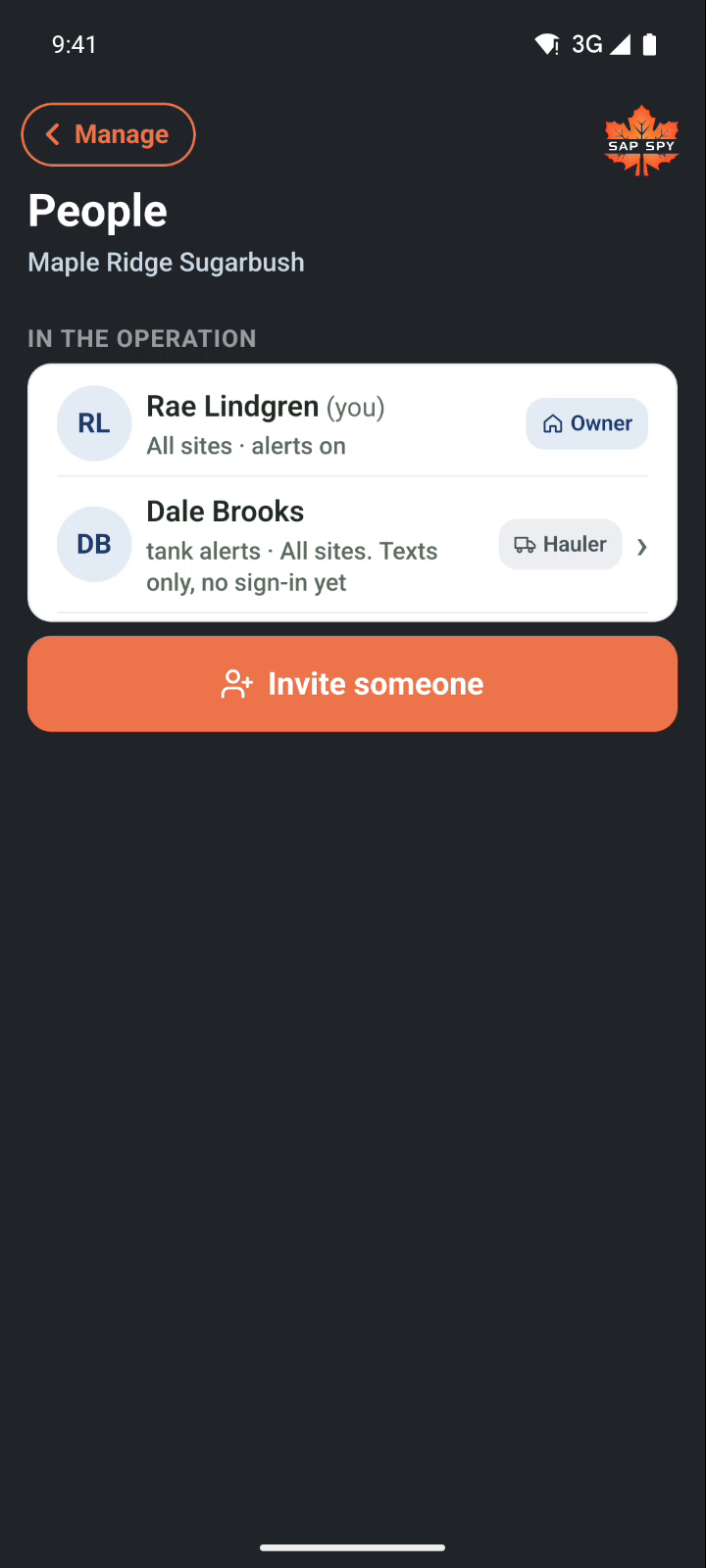
Look them up#
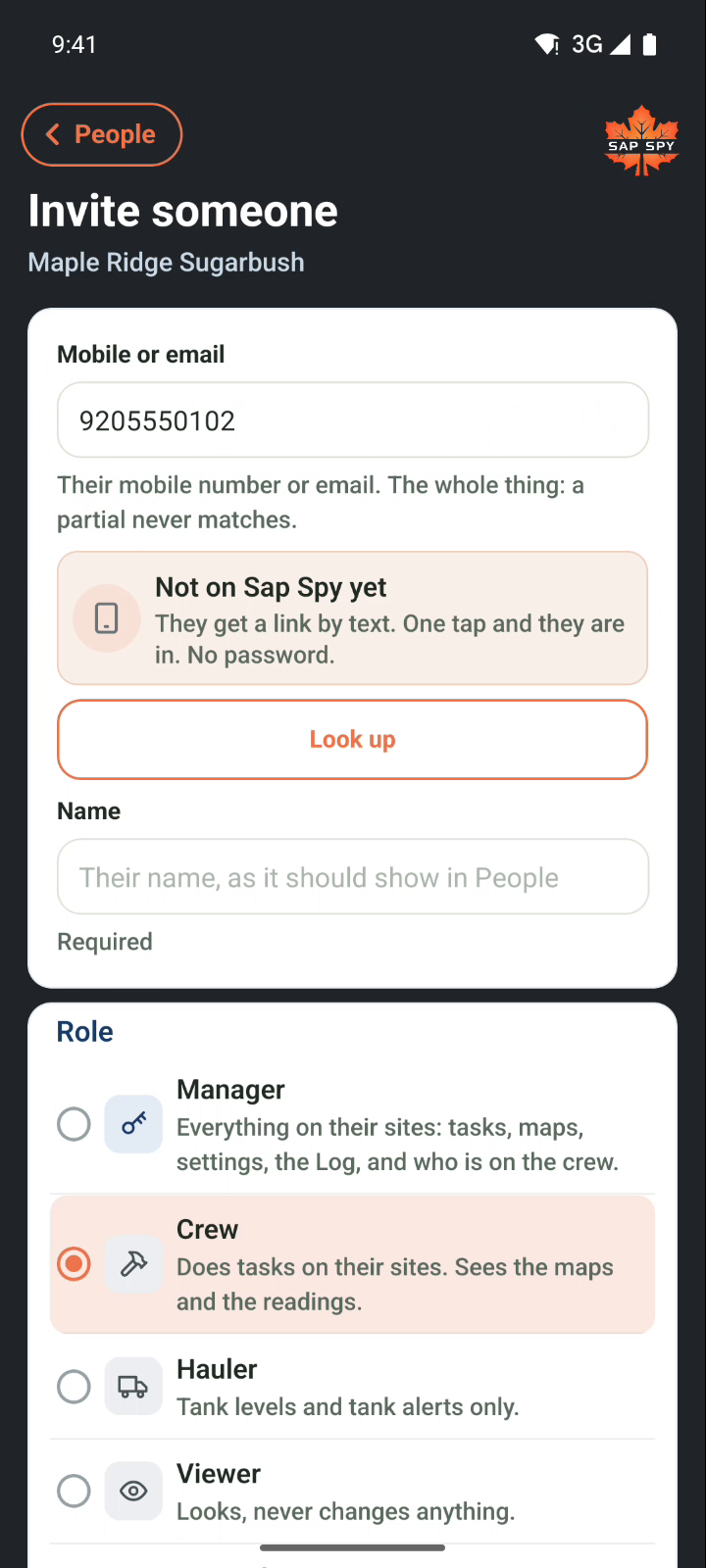
Open Manage, then People, then Invite someone. Type their mobile number or email and tap Look up.
- Not on Sap Spy yet: they get a link by text. One tap and they are in. No password.
- Already on Sap Spy: you simply add them. Your operation appears on their phone at once, no link.
Name and role#
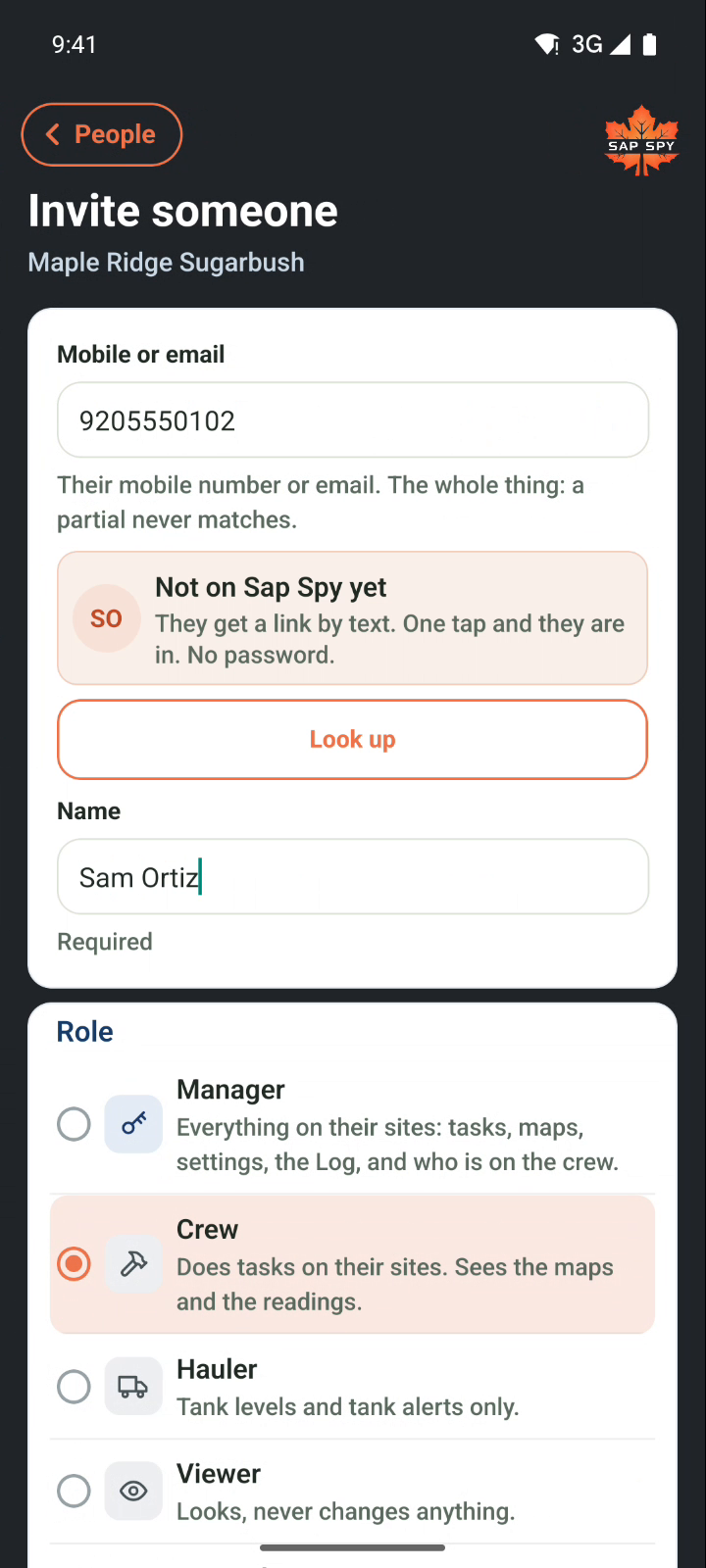
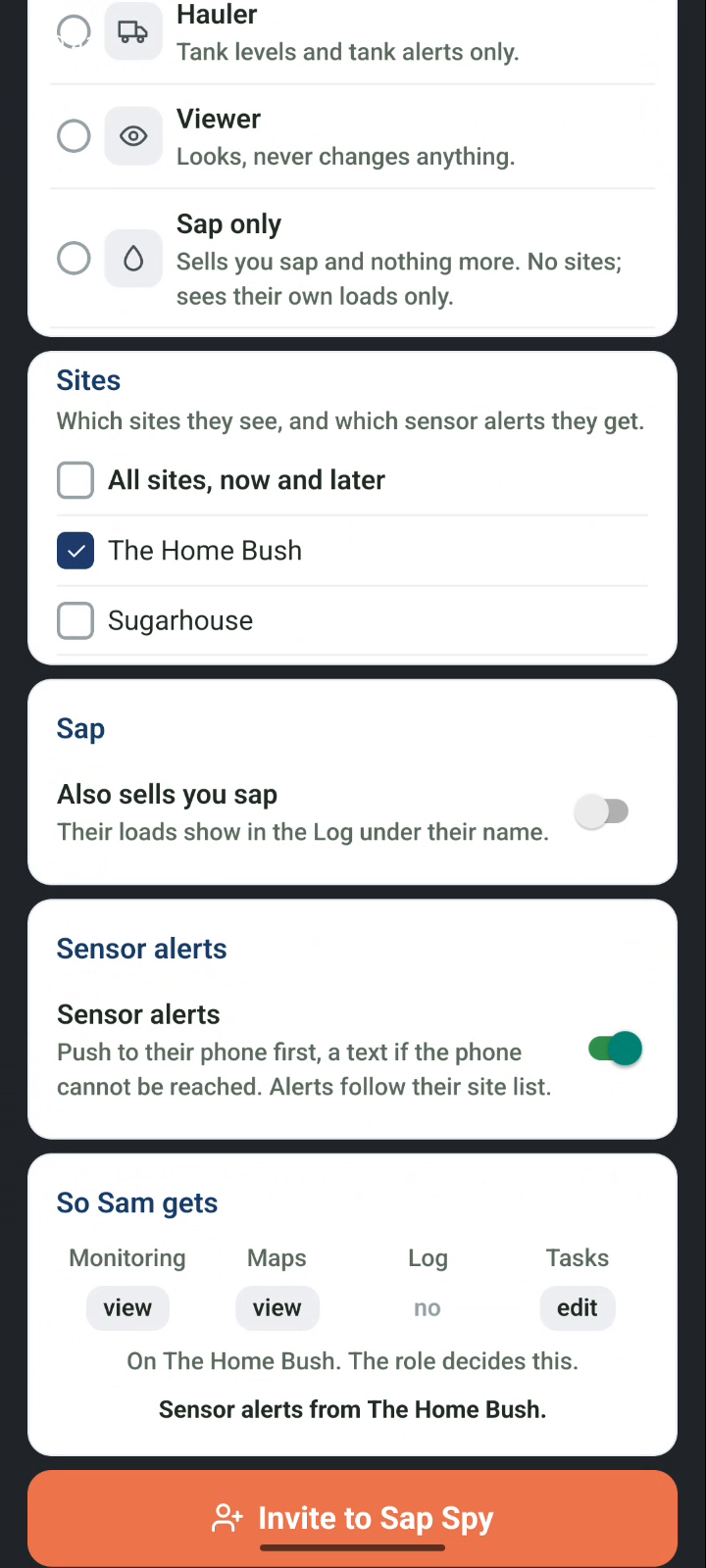
Type their name as it should show in People, then pick a role. Five to pick from, and the rest is set for you.
| Role | What they get |
|---|---|
| Manager | Everything on their sites: tasks, maps, settings, the Log, and who is on the crew. Only the owner can make someone a manager. |
| Crew | Does tasks on their sites. Sees the maps and the readings. |
| Hauler | Tank levels and tank alerts only. Nothing else. |
| Viewer | Looks, never changes anything. |
| Sap only | Sells you sap. No sites, just their own loads in the Log under their name. |
Their sites#
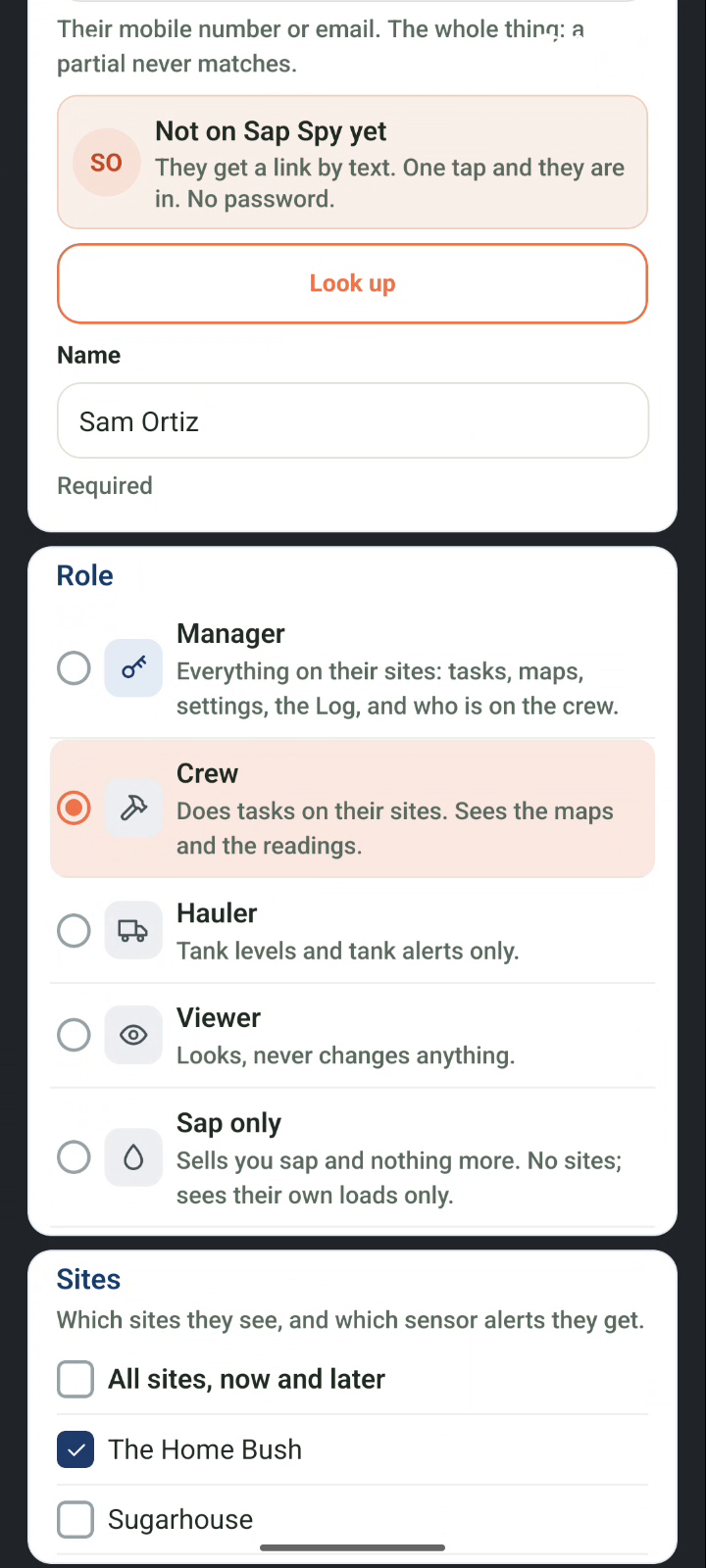
Every role but Sap only has a site list. What they see, and the alerts they get, follow it. All sites, now and later means every site you add from here on, too. Or tick the sites one by one.
Sap and alerts#
- Also sells you sap: on, and their loads show in the Log under their name. It is on by default for Sap only.
- Sensor alerts: on, and they get a text or a notification when a sensor on one of their sites alerts. A hauler gets tank alerts only.
The card at the bottom says in plain words what this person gets. Then tap Invite to Sap Spy.
On their phone#
They get a text with your operation's name and a link. One tap opens the Sap Spy app signed in as them, with only what their role sees. If they do not have the app yet, the link takes them to the store first.
Waiting for their link#
Until they tap, they sit under Waiting for their link. Resend sends the text again. You can also show them the QR code on their row.
Changing someone#
Tap a person to change their name, role or sites, or to remove them from the operation. Removing someone takes them off at once: their open tasks go back to Unassigned, and the alerts stop.
Only the owner can make someone a manager. A manager can invite crew, haulers and viewers to their own sites.
Have a question this doesn't answer? Email info@sapspy.com or call 920-809-4811. We're producers too.