
Making a task
A task starts from the place. Tell the app where, then what, then who and when.
On your phone#
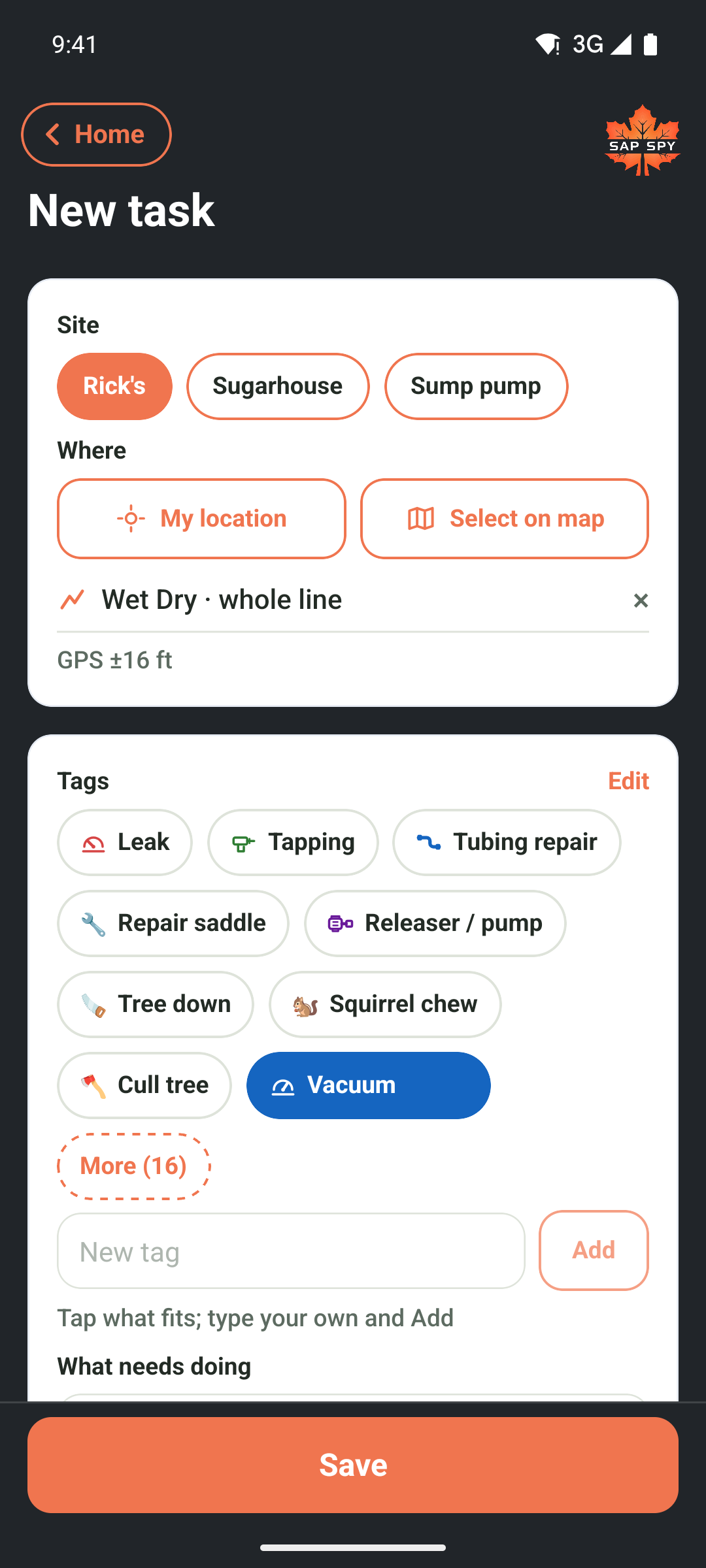
- Open Tasks and tap the orange +.
- Where. Tap My location if you are standing at the spot, or Select on map to pick it on your map. No place means the whole site.
- Tags. Tap what fits, or type your own and tap Add. The first tag names the task if you do not.
- What needs doing. Say it in your own words. The first line is the title; the rest is the note. Tap the microphone on the keyboard to dictate.
- Add photo if a picture explains it.
- Who. Tap a name, or leave it unassigned so anyone on the crew can claim it.
- Due. Today, +1D, or pick a day. Tap Urgent for the ones that cannot wait: it goes to the top of everyone's list and pings whoever it is for, or the whole crew if nobody is.
- Tap Save. If you picked someone else, it says Save and send and they get a notification.
Every way to pick a place#
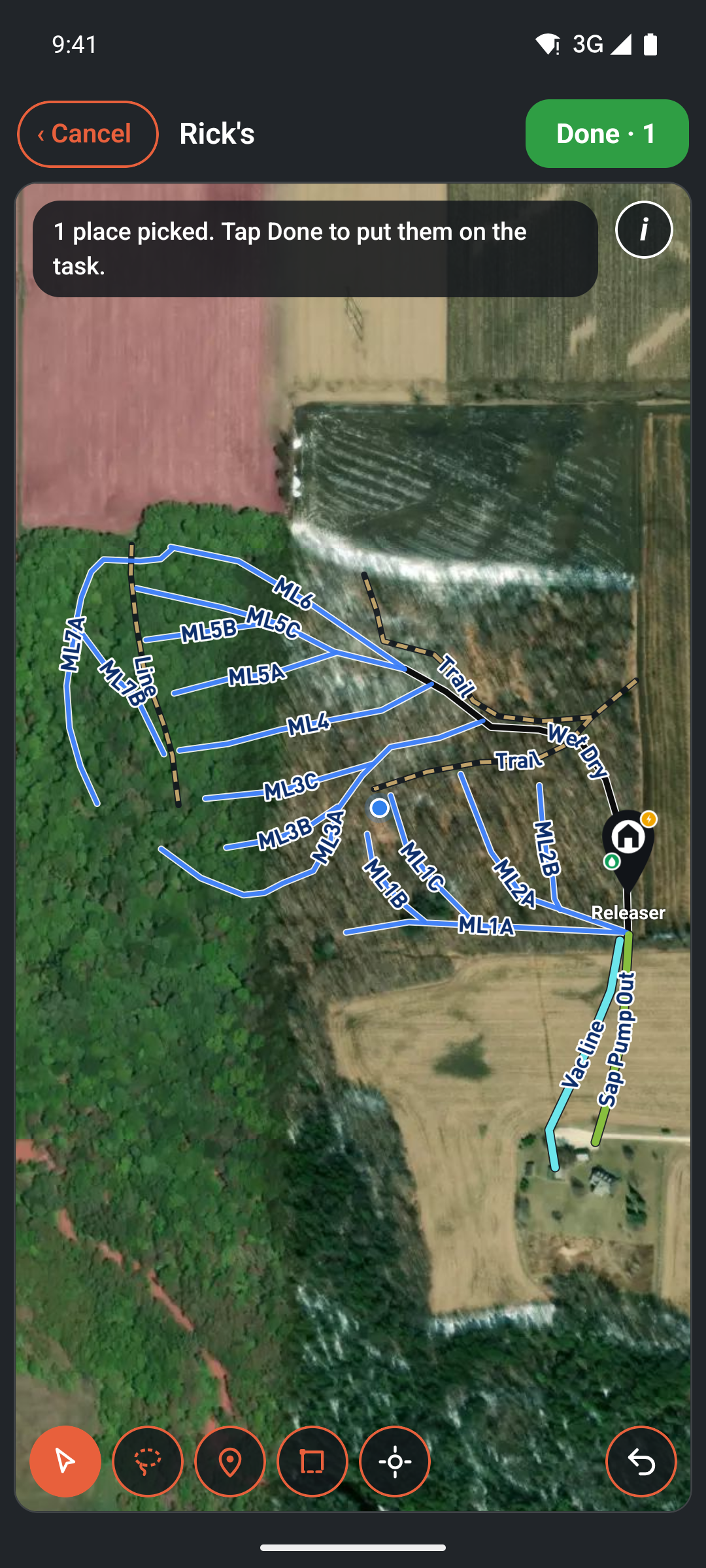
The map in Select on map has four tools along the bottom, and the same four are on the Tasks map view and in Map My Woods.
- Arrow: tap a line, a pump house or a waypoint. It lights up. Tap again to let it go.
- Lasso: draw a loop around several lines with one finger, and every line mostly inside the loop is picked. The map holds still while you draw.
- Point: slide the map so the crosshair sits on the spot, then Drop point. For something that is not drawn yet: a tree down, a leak you found walking.
- Area: Drop corner at each corner, and when the crosshair is back over the first one, Close area. For a patch of woods: a block to tap, a stretch to walk.
Undo takes back the last thing, whatever it was. Done puts every pick on the task. One task can carry several places, and each place has its own Done, so a job that runs along five laterals is finished lateral by lateral.
From Map My Woods#
You do not have to leave the map.
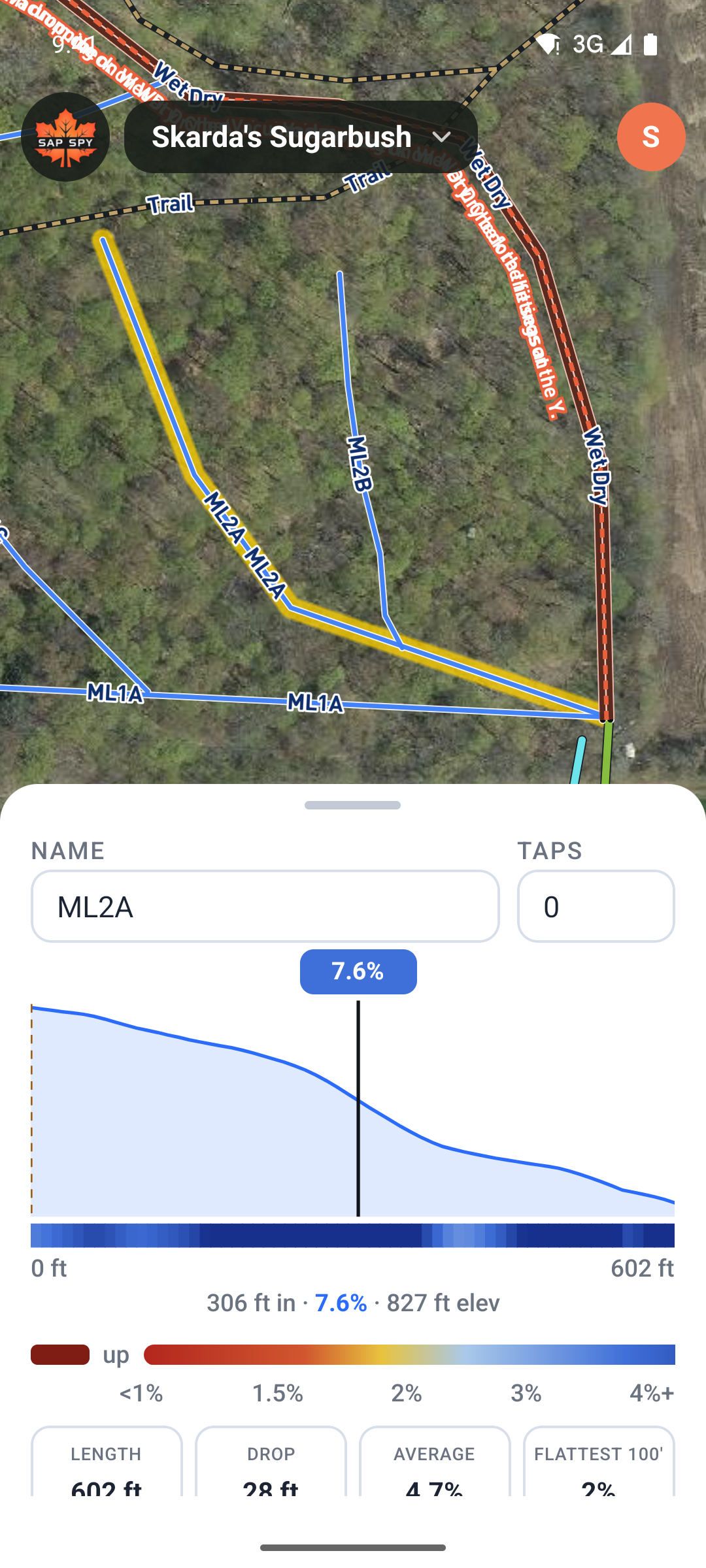
- Tap a line or a pin. Its sheet lists the open tasks on it, and + Task on ML1A starts a task with that place already picked.
- Tools has a New task tile: the place first (tap a line or pin, drop a point, draw an area), then Next, then the form. Save brings you back to the map with the task drawn on it.
- Layers has a Tasks eye that shows or hides the open tasks on the map.
On a computer#
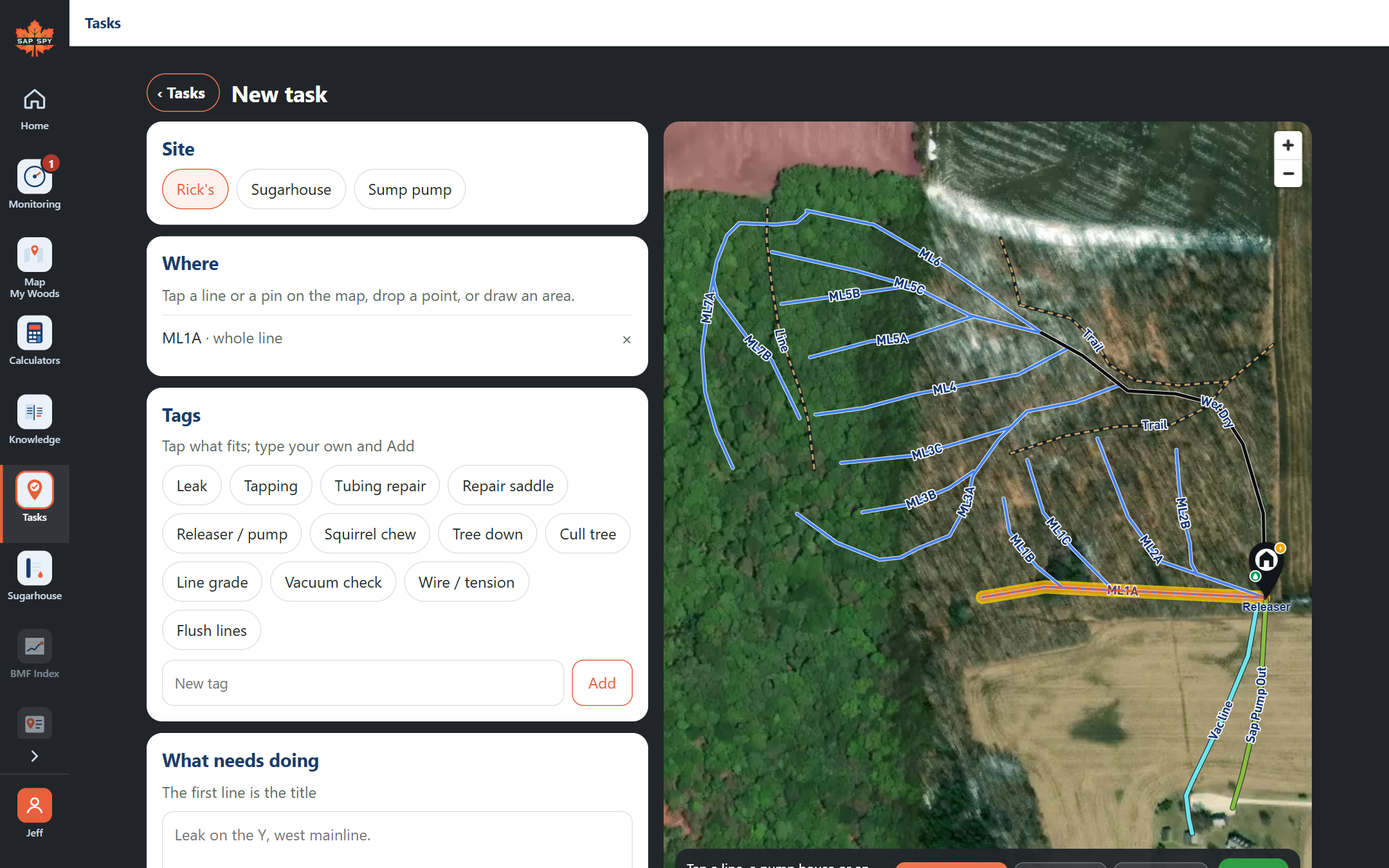
Click + New task. The map is beside the form: click a line, a pump house or an area, or use Drop a point and Draw an area. Then the tags, the words, who and when, and Save.
Was this helpful?
Have a question this doesn't answer? Email info@sapspy.com or call 920-809-4811. We're producers too.